10 Jun 2026
How AI Workspace Productivity Drives Direct Revenue
 Reviewed byAzjargal Gankhuyag· AI Agent Engineer | Solution Architect
For technical leadership, AI productivity is not about faster emails. It is about workflow automation and agent implementation that directly accelerate your revenue cycles.
When evaluating AI in the workspace, engineering and business leaders often default to measuring time saved. While saving an hour a week on email summaries is a nice benefit, it does not justify heavy enterprise investment or fundamentally shift business outcomes. For CTOs, founders, and senior engineering leads, the true value of AI workspace productivity lies in measured improvement to revenue-generating workflows.
This discussion focuses on how integrating AI into your primary workspace whether through native tools or custom AI agent implementation translates operational velocity into top-line revenue.
We will examine the architectural choices that make this possible, the trade-offs of different operating models, and the criteria for deciding where to deploy AI for maximum financial impact. By the end, you will have a clear framework for evaluating workspace AI not as a cost-saving utility, but as an engine for sales throughput, engineering delivery, and customer retention.
The Core Mechanics of Workspace AI
Workspace AI goes beyond basic chatbot interfaces. High-value implementations rely on connecting Large Language Models (LLMs) securely to your organization's proprietary data and daily workflows.
The core mechanic relies on contextual grounding. When a sales director asks an AI agent to draft an RFP response, the system does not rely on its baseline training. Instead, it uses Retrieval-Augmented Generation (RAG) to search your internal drives, CRM records, and past technical documentation. It extracts the relevant facts, injects them into the model's context window, and generates a highly specific, accurate output.
To move the needle on revenue, this mechanic must be embedded directly where the work happens. If an engineer or account executive has to leave their document, open a separate web interface, copy-paste data, and bring the result back, the friction destroys the utility. Revenue-driving AI operates within the text editor, the spreadsheet, the code repository, and the communication channels your team already uses.
Architectures and Operating Models
Driving revenue through workspace AI requires a deliberate approach to architecture. Technical leaders generally choose between two primary paths, or a hybrid of both, depending on their security posture and the complexity of their workflows.
Model 1: Native Workspace Integration
This approach relies on out-of-the-box enterprise solutions, such as Google Workspace integrated with Gemini. The architecture is managed by the vendor, meaning the AI capabilities are deeply embedded into email, documents, and presentation software.
- Data Boundaries: The vendor maintains strict tenant isolation. Prompts and grounded data are not used to train public models.
- Velocity: Deployment is rapid. The focus is on change management and prompt engineering rather than infrastructure setup.
- Limitations: The AI is constrained to the data that exists within that specific workspace ecosystem. If critical revenue data lives in a bespoke on-premise database, the native AI cannot easily access it without additional integration work.
Model 2: Custom AI Agent Implementation
For complex, high-value workflows, organizations build custom agents using platforms like Google Cloud Vertex AI. This involves orchestrating LLMs with internal APIs, custom databases, and third-party tools (like CRMs or ERPs).
- Architecture: Typically involves an orchestration layer (like LangChain or LlamaIndex), a vector database for semantic search, and secure API gateways to execute actions.
- Control: You define the exact execution parameters, data access controls, and output formats.
- Value Proposition: This model allows AI to take action. Instead of just summarizing a customer's usage data, a custom agent can analyze the data, flag a churn risk, draft a personalized intervention plan, and stage an email for the account manager to approve.
Access Control and Data Governance
A critical architectural consideration for both models is permission mapping. In a RAG architecture, the AI will confidently retrieve and synthesize any document it is allowed to read. If your internal workspace has poorly configured access controls where sensitive HR or financial data is broadly accessible the AI will expose it. Implementing a robust identity and access management (IAM) framework is a prerequisite for any secure AI workspace deployment.
High-Revenue Use Cases
To understand how these architectures generate revenue, we must look at practical implementation in the workflows that directly impact the bottom line.
Accelerating Sales Cycles and RFP Responses
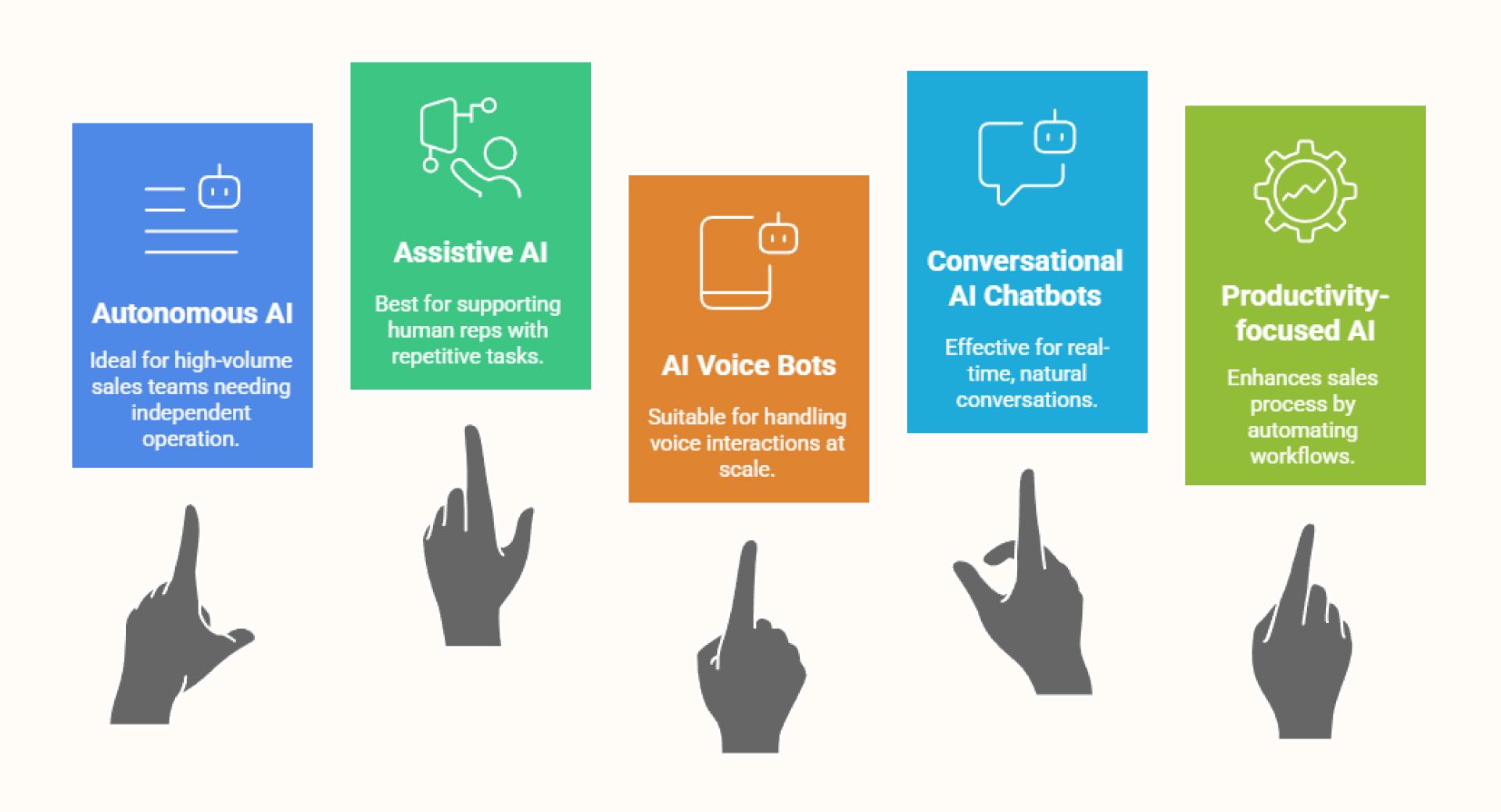
Enterprise sales cycles are frequently bottlenecked by the time it takes to process and respond to complex Requests for Proposal (RFPs). A custom AI agent or highly grounded workspace assistant can ingest a 100-page RFP, cross-reference it with a library of past successful proposals and current technical documentation, and generate a first-draft response in minutes.
- The Revenue Impact: Sales engineering teams increase their throughput. Instead of responding to three RFPs a month, they can respond to ten, directly increasing the pipeline and potential closed-won revenue.
Engineering Velocity and Time-to-Market
Engineering productivity is a direct revenue driver. When developers use AI for code generation, automated test creation, and incident response summarization, they ship features faster.
- The Revenue Impact: Faster feature delivery means realizing the commercial value of those features sooner. Furthermore, automating the documentation and code-review context allows senior engineers to spend more time on high-value solution design rather than administrative overhead.
Proactive Customer Retention
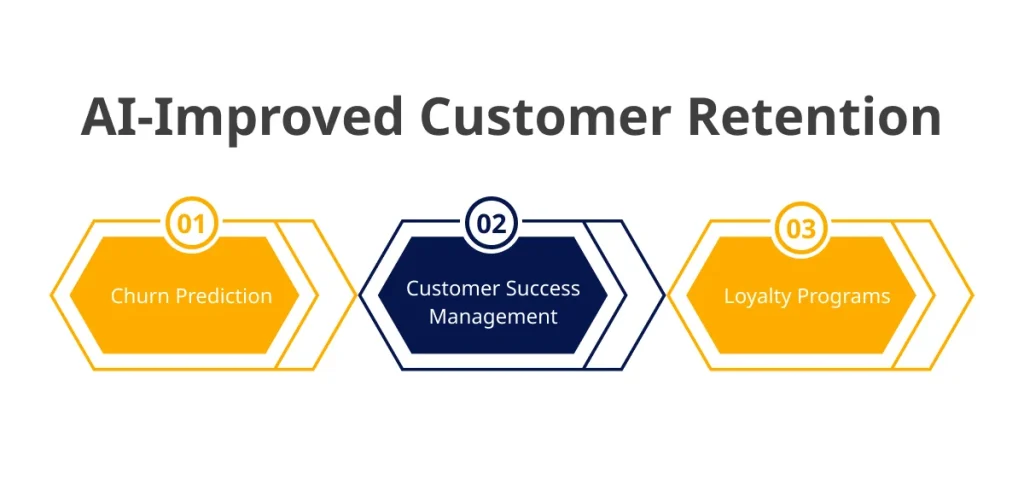
Customer success teams often manage dozens of accounts, making it difficult to spot early signals of churn. Workspace AI can be configured to continuously analyze communication sentiment, support ticket volume, and product usage metrics.
- The Revenue Impact: By synthesizing this data and pushing alerts directly into the customer success team's daily workspace, businesses can proactively address friction before a contract is canceled. Retaining a high-value client is mathematically identical to winning a new one of the same size.
Trade-Offs, Constraints, and Risks
While the financial upside is significant, deploying AI for workspace productivity introduces constraints that technical leadership must manage carefully.
The "Garbage In, Confident Garbage Out" Problem
AI agents are entirely dependent on the quality of your internal data. If your organization's documentation is outdated, contradictory, or unorganized, the AI will retrieve and synthesize incorrect information. This is particularly dangerous in sales or legal workflows where inaccurate outputs can lead to bad contracts or lost deals. Reliable delivery requires an initial, unglamorous phase of data cleanup and lifecycle management.
Cost of Execution vs. Value Generated
LLM API calls and enterprise AI licenses are not cheap. If an organization pays high licensing fees so employees can ask an AI to write polite emails, the return on investment will be negative. The cost of the infrastructure must be mapped directly to high-margin outcomes. Technical teams must monitor utilization and API costs to ensure the compute spend is justified by the measured improvement in operational throughput.
The Hallucination Risk in High-Stakes Workflows
Even with robust RAG architectures, models can hallucinate. In workflows that directly touch revenue such as drafting a pricing proposal human-in-the-loop validation is non-negotiable. The AI should be treated as an accelerant to draft, synthesize, and recommend, but clear ownership must remain with the human operator who reviews and approves the final output.
Decision Criteria for Implementation
When deciding where and how to implement workspace AI, senior leaders should evaluate opportunities against a clear set of criteria.
- Proximity to Revenue: Does this workflow directly impact sales velocity, product delivery, or customer retention? Prioritize these over general administrative tasks.
- Data Structure and Availability: Is the data required to automate this workflow well-structured and accessible via APIs, or is it trapped in legacy systems?
- Build vs. Buy: If the workflow relies primarily on documents, emails, and standard meetings, leverage native vendor solutions (like Google Workspace AI). If the workflow requires cross-system orchestration (e.g., pulling from Jira, Salesforce, and a custom PostgreSQL database), opt for custom AI agent implementation.
- Tolerance for Variance: Does the task require absolute deterministic precision (e.g., calculating tax compliance), or does it benefit from generative synthesis (e.g., drafting a marketing brief)? AI excels at the latter.
Common Pitfalls and How Serious Teams Avoid Them
Many initial enterprise AI initiatives fail to produce measurable business value. Technical leaders can avoid these outcomes by recognizing common traps.
Deploying Without Clear Ownership
Turning on AI features across a company without assigning clear ownership of specific workflows results in low adoption. Successful teams identify a specific bottleneck—such as the legal review of standard contracts—and assign a cross-functional team (legal, engineering, operations) to implement and refine the AI solution for that exact problem.
Ignoring the "Blank Canvas" Problem
Presenting employees with an empty chat box and telling them to "be productive" rarely works. Most users do not know how to write effective prompts for complex tasks. High-performing teams build template libraries, integrate single-click actions directly into UI elements, and abstract the prompt engineering away from the end-user.
Failing to Establish a Baseline
You cannot prove a measured improvement if you do not know your starting point. Before implementing AI in a revenue-generating workflow, establish the baseline metrics. Know exactly how many days it currently takes to close a support ticket, merge a pull request, or finalize a vendor agreement.
Takeaways
- Focus on throughput, not just time saved: Frame AI productivity in terms of how much more pipeline your sales team can handle or how much faster engineering can ship features.
- Fix your data permissions first: AI acts as a searchlight across your internal data. Ensure your identity and access management is tightly configured before connecting an LLM to your workspace.
- Align architecture to the workflow: Use off-the-shelf workspace AI for unstructured document generation, but invest in custom AI agent implementation for multi-system, revenue-critical processes.
- Mandate human-in-the-loop for revenue tasks: Accelerate the drafting and research phases with AI, but ensure clear ownership and final approval remain with your human experts.
- Target measurable bottlenecks: Do not deploy AI broadly and hope for productivity. Target specific, measurable delays in your business operations and design solutions to eliminate them.
Join the newsletter
Enjoyed this article? Get more like it in your inbox every week.
* 200+ tech professionals already in.
Next read
28 Jul 2026
5 Architectural Strategies to Unlock AI’s Full Potential
Move beyond prototype LLMs. Discover five architectural strategies to build reliable, grounded, and measurable AI systems that deliver real business value for the enterprise.
20 Jul 2026
Engineering an Agentic Workforce: Using Google Workspace
Examine how enterprises use Google Workspace and Vertex AI to shift from basic generative chat to secure, multi-step agentic workflows that drive measurable improvement.
13 Jul 2026
Responsible and Explainable AI: A Practical Guide for Engineering Leaders
Move beyond compliance. Learn how to architect AI systems that balance model performance with transparency, safety, and operational governance for reliable delivery.